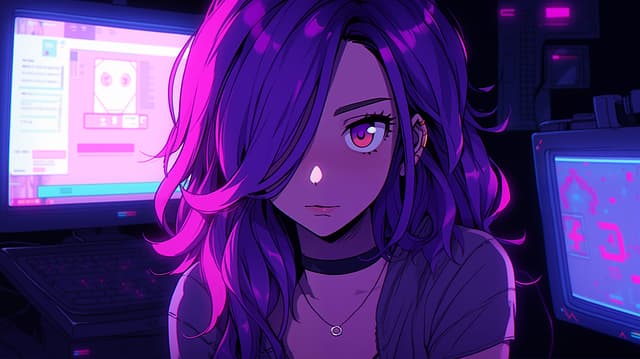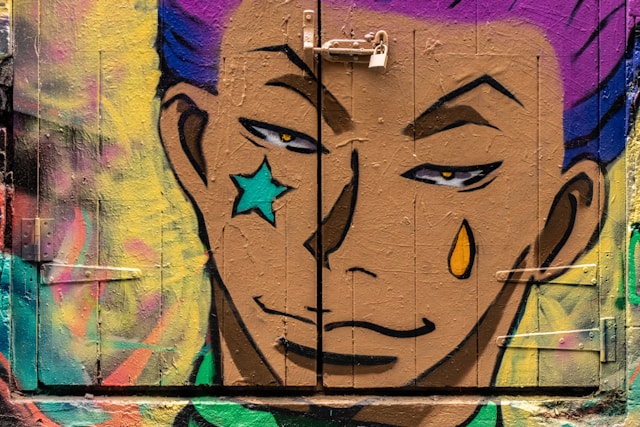
If you are working on a project where the same character needs to appear in different scenes or situations, this article is for you. We will discuss how to achieve consistency in a character’s appearance in Midjourney using portraits as an example, but the approach can also be applied to cartoons, objects, illustrations — anything.
What you need to know about Midjourney
Midjourney is a generative diffusion model that creates images from noise based on text prompts. Unlike some models such as Stable Diffusion, Midjourney does not allow you to train its model for specific needs, so character consistency can only be achieved through creative techniques rather than full model training.
One of the key tools is the use of images as references. This is not training the model, but a way to give the system visual cues. Uploaded photos or links to images in Discord can be used as a basis for creating a character, setting the style, proportions, and characteristics.
Step 1: Creating a base character
First, you need to create an image of the character in a standard pose and with a neutral facial expression. This will become the ‘zero generation’ of the character — the starting point for further generations. At this stage, it is important to choose the most successful version, making sure that the details and facial features are clearly distinguishable and not distorted.
Step 2: Generating different angles
To ensure that the character looks consistent in different scenes, create several angles: front view, side view, profile, and top or bottom view. This set of images will serve as a reference for generating new scenes. It is important that all angles are consistent in style, colour, and key character features.
Step 3: Creating new scenes
Now that you have a set of references, you can place the character in different situations: a studio photo shoot, a street scene, a sports activity, a space capsule, etc. To do this, use text prompts that describe the new background, lighting, mood, and actions of the character.
At this stage, it is sometimes necessary to make minor adjustments to the images — removing unnecessary objects or backgrounds using retouching tools. This helps to keep the composition clean and focus on the character itself.
Step 4: Consistency and variety
It is important to remember that consistency is achieved not only through visual references, but also through careful selection of poses and angles. Sometimes it takes several repetitions to get the desired result, but in the end you create a whole set of images of one character in different situations.
Step 5: Tips and recommendations
Use neutral, natural poses for references — this will make it easier to change the background and the character’s actions.
Make sure that the key elements of the character (hair colour, clothing, accessories) remain consistent.
Experiment with different scenes, lighting, and styles, but maintain consistency in proportions and distinctive features.
If you want to diversify the character’s emotions, you can add slight changes to the facial expression, but still rely on the basic set of references.
Conclusion
Even without the ability to train the model yourself, Midjourney allows you to create consistent characters using a combination of visual references and thoughtful text prompts. This approach allows the character to retain unique features and easily integrate into a wide variety of scenes and situations, creating a cohesive and recognisable image.