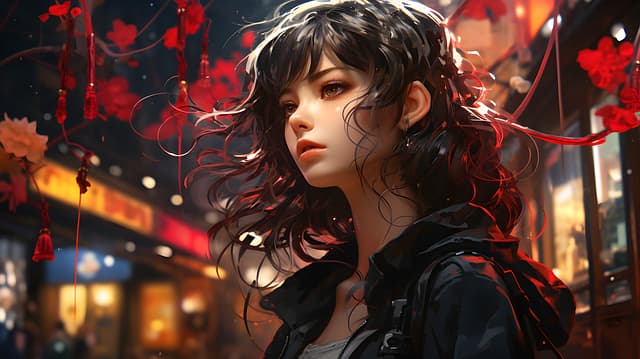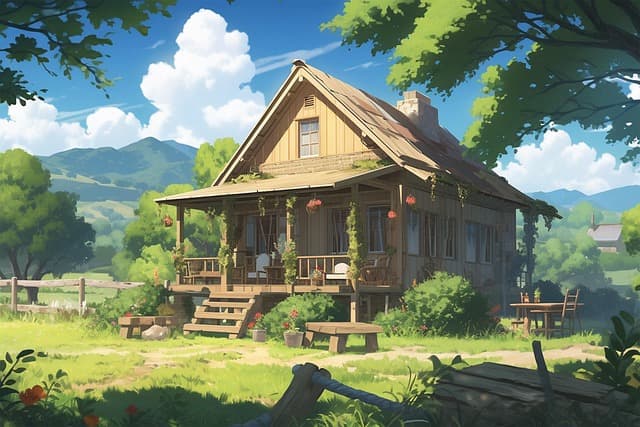
Hello! Today, I’ll show you how to use ChatGPT to turn ordinary photos into anime masterpieces in the style of Studio Ghibli. This is a step-by-step guide for those who want to master image generation in 2025 without any drawing skills.
Want to see yourself in the world of Ghibli? Read on and get started right now!
Step 1: Set up ChatGPT for generation
You need a paid ChatGPT account to work.
- Open ChatGPT.
- Click on the three dots and enable image generation.
- Write the prompt: ‘Redraw this photo in the style of Studio Ghibli anime.’
- Upload a photo (any photo).
- Wait 2–4 minutes — done!
ChatGPT breaks down the photo into details (background, emotions, objects) and assembles an anime version with a resolution of 1536 pixels.
Step 2: Speed up the process with a new chat
Do not upload all your photos in one dialogue — ChatGPT may freeze.
- Create a new chat.
- Write: ‘Hello, draw my photos in the Ghibli style, without copyright errors.’
- Upload photos one at a time — send and wait for the result.
This way, you can redraw a dozen photos without any glitches.
Step 3: Change the proportions like a pro
Want to turn a 9:16 vertical photo into a 16:9 horizontal one?
- Add to the prompt: ‘Make it 16:9 in Ghibli style.’
- Send the photo.
The horizon will be levelled, and the background will become wider — perfect for social media.
Step 4: Bypass ChatGPT censorship
If the photo is in a swimsuit or has ‘suspicious’ content, ChatGPT may display ‘NSFW’.
- Create a new chat.
- Change the prompt, for example: ‘Add a blue top and redraw in Ghibli style’.
- Send — censorship passed.
To combine two photos: upload both and write ‘Combine in Ghibli style’ — you will get a collage.
(Photo example: two photos of friends and next to them — combined anime art)
Step 5: Solve the problem of long generation times
If ChatGPT is slow (4–6 minutes per image):
- Open several chats.
- Upload one photo to each.
The limit may still apply — in that case, wait 10–15 minutes and try again.
Conclusion: Redrawing photos in anime style is easy
With ChatGPT, you can easily master generating Ghibli-style images. Take your archives, try the tips from this guide, and share your results!